
From Local GPU to Code Agents
Over the past three or four weeks, I've been testing AI technologies hands-on. This post is a technical summary — before talking about any tool, I prefer to test, understand what's happening underneath, and draw my own conclusions. AI is a broad field, there's still much to explore, but I can already extract real value for productivity.
Running local models with Ollama
The first decision was to saturate my RX6600 GPU with 8GB of VRAM running local models. The goal wasn't benchmarking — it was understanding the real hardware limit.
With Ollama, the flow is simple: you download compatible models and run locally. In my case, the practical limit was models up to 8B parameters. AMD GPUs required extra configuration via Vulkan — unlike NVIDIA ones, which have native support via CUDA in most inference frameworks.
What does "8B" mean? The number of parameters in a model (e.g., 8 billion) represents, in simplified terms, the number of weights that were adjusted during training. More parameters generally means greater reasoning and comprehension capacity, but also more memory required to run.
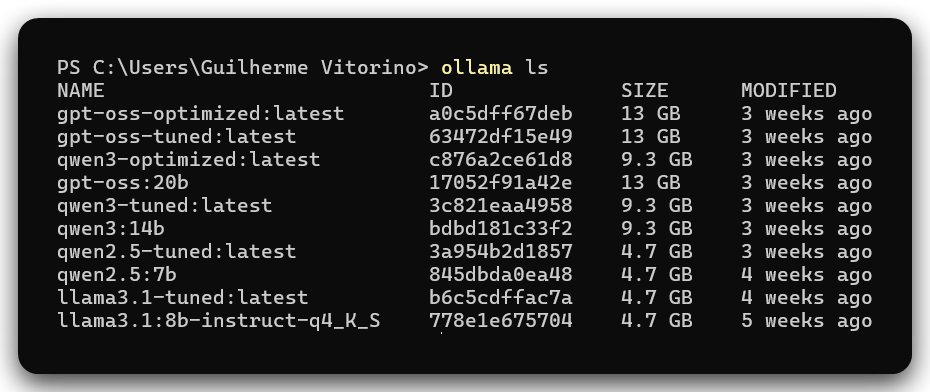
Even knowing the GPU's limit, I tested slightly larger models by adjusting temperature and context via Modelfile. What happens in these cases is that processing is split between GPU and RAM — and the result is very slow response, practically unfeasible for continuous use.

Local interface with Open WebUI
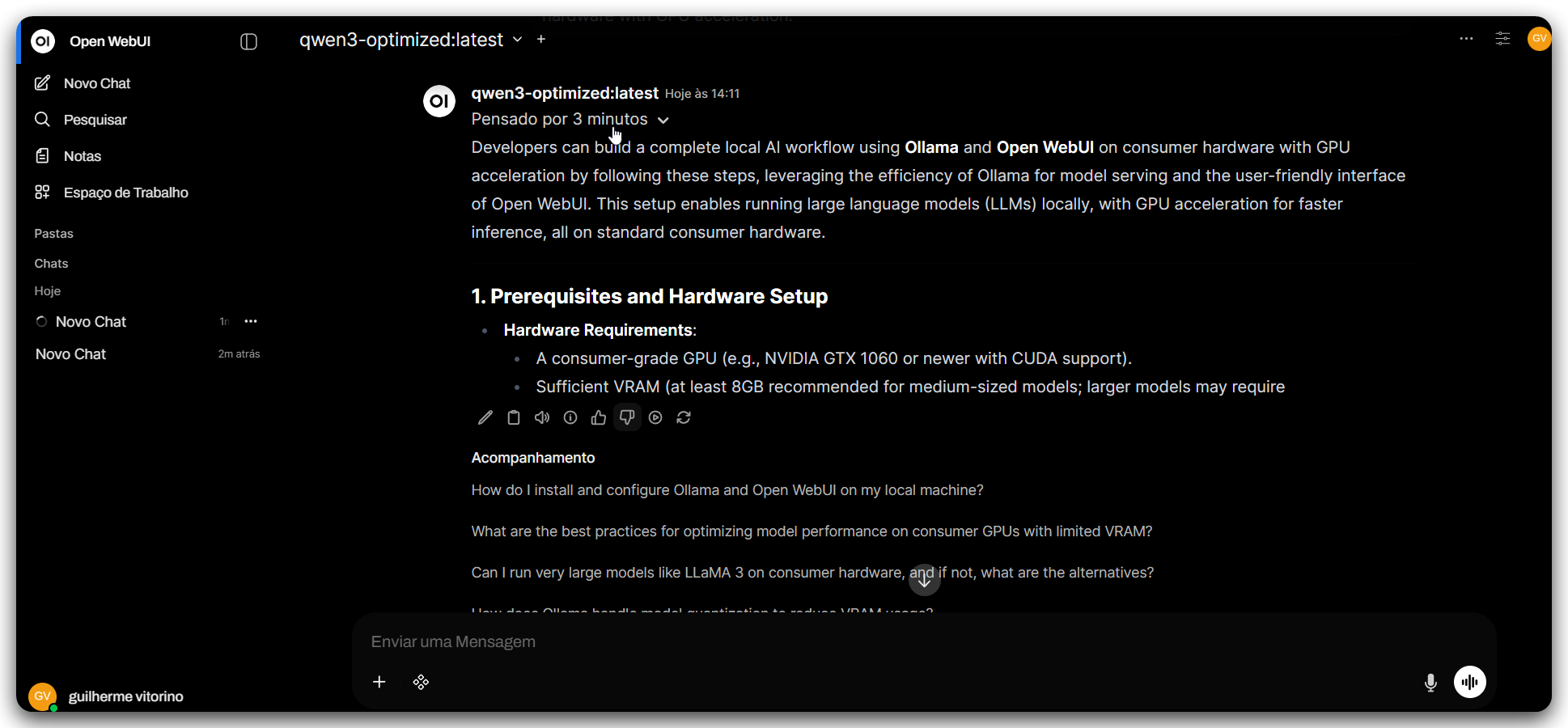
With the models running, I connected everything to a Docker instance of Open WebUI to have a local chat interface. It's worth setting expectations here: it doesn't become a "local ChatGPT" equivalent to paid state-of-the-art models.
A local 7B/8B model can help with specific tasks — answering simple questions, generating small code, summarizing text — but struggles with long-term planning, extensive context, and more complex reasoning. The experience varies greatly depending on the model, quantization, configured context, and especially prompt quality.
ComfyUI: image/video generation and AMD compatibility
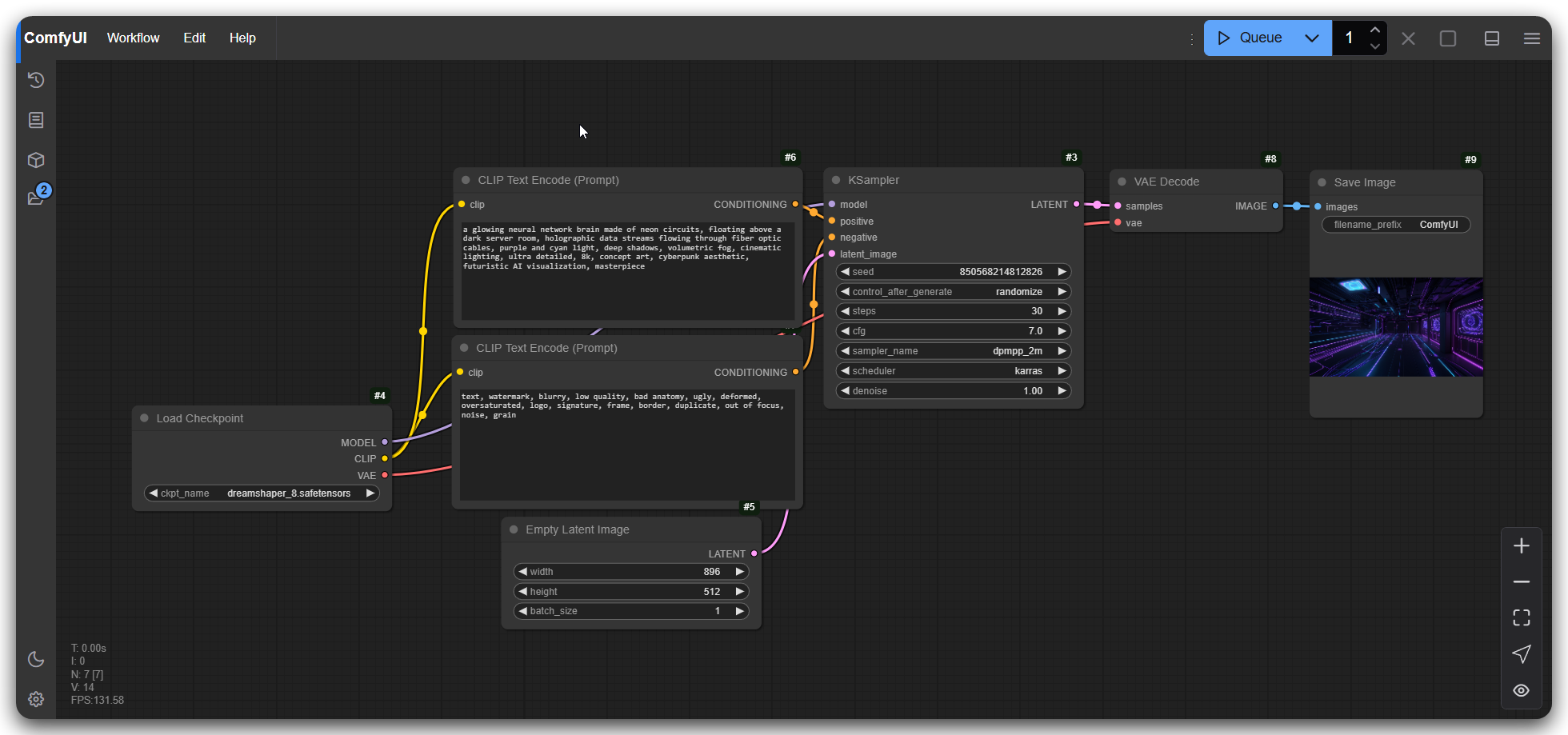
I tested ComfyUI with specialized models for video and image generation. Here the problems with AMD returned with a vengeance: I tested versions with ROCm, ComfyUI-Zluda, and ComfyUI Desktop, but the error was always the same — the pipelines expected to find an NVIDIA GPU.
I finally got it running by installing via Stability Matrix with the DirectML backend — but not without cost: I had to pin an old version of ComfyUI because newer ones broke during generation. And even running, the feeling is that DirectML doesn't use the full potential of the GPU. It generated, but with caveats.
It's the pattern with AMD in this ecosystem: you get there, but by the longer path. I still want to revisit these models in another project — probably testing an NVIDIA GPU via cloud pay-as-you-go to have a real comparison reference.
Code agents: where the harness makes the difference
For code generation, using agents changes the game. The harness — which I understand here as the layer that wraps the model: how the agent assembles the context, which part of the project it passes to the LLM, how it structures the prompt — directly influences the quality of the result, regardless of the model used.
I tested the following agents: Aider, Opencode, Crush, and Claude Code.
Since each agent has a different level of visibility into what it actually sends to the LLM, I implemented a simple proxy in Go to intercept and normalize the logs. The proxy doesn't interfere with the response — it only logs. The proxy code, full logs, and ai-runtime are in the repository [link].
Some agents already have native visibility flags:
- Aider:
--verbose --no-prettyfor raw request/response in terminal;--llm-history-filefor full dump of each turn. - Crush:
--debugor"options": { "debug": true }in crush.json, which exposes JSON payload and tool calls. - OpenCode:
--log-level DEBUG, but the raw payload doesn't always appear without a proxy. - Claude Code: no debug flag for publicly exposed LLM payload — requires proxy mandatorily, so I used LiteLLM as an intermediary layer.
The numbers below are from the first request of each session — enough to see the context philosophy of each agent before any tool call.
| Agent | Endpoint | Prompt tokens (est.) | Thinking | Completed | Philosophy |
|---|---|---|---|---|---|
| Aider | /api/generate |
~2,698 | Does not require | ✓ | Deterministic patch |
| OpenCode | /v1/chat/completions |
~2,576 | Does not send | ✓ | Token economy |
| Crush | /v1/chat/completions |
~5,477 | Requires — failed | ✗ | Continuous execution |
| Claude Code | /v1/chat/completions |
N/A | Requires — failed | ✗ | Distributed cognition |
Prompt tokens estimated on the first request of each session, captured via proxy. N/A indicates the session failed before completing the first code call.
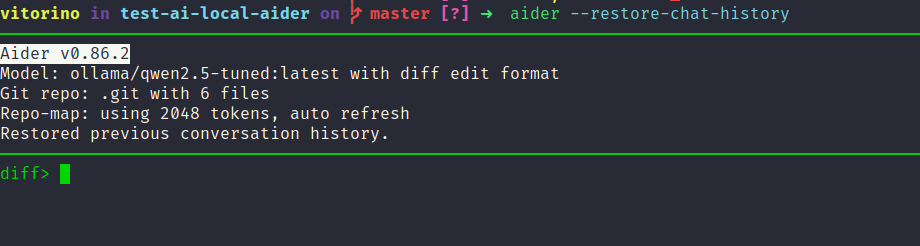
Aider
It was able to complete the task without compatibility errors — within the limitations of the local model. My initial hypothesis was that Aider's harness passes less context to the model — and from the logs, this is partially confirmed. Aider estimated prompt_tokens_est: 2698 for the same task where OpenCode used 746.
The difference lies in the nature of the context. Aider builds an extremely procedural prompt, full of SEARCH/REPLACE format examples and editing rules, but doesn't inject the entire agent runtime like Claude Code does. With 8B models, smaller and more focused context tends to produce more coherent results than a huge window with lots of architectural instructions that the model can't follow end-to-end.
Aider's editing pattern is revealing in the logs: ONLY EVER RETURN CODE IN A SEARCH/REPLACE BLOCK and EXACTLY MATCH. This reduces the model's decision space to a deterministic textual transformation — instead of asking the model to think architecturally, Aider asks it to produce a well-formed patch. For smaller models, this restriction is a real advantage.
There's a structural reason for this: Aider uses Ollama's /api/generate endpoint — the native API — while the other three use /v1/chat/completions, the OpenAI compatibility endpoint. /api/generate doesn't have the tool_calls contract, so Aider operates without tool execution by endpoint design, not by model limitation. What seems like a weakness (suggesting shell commands instead of executing them) is a direct consequence of an architectural choice that also eliminates all the complexity of tool calling from the model's decision space.
The logs also show a separate commit message pipeline:
"You are an expert software engineer that generates
concise, one-line Git commit messages"
System prompt from Aider's second request — separate pipeline, invisible to the user.
Aider treats each stage as a specialized task, which is a form of implicit multi-agent without declarative orchestration.
Opencode
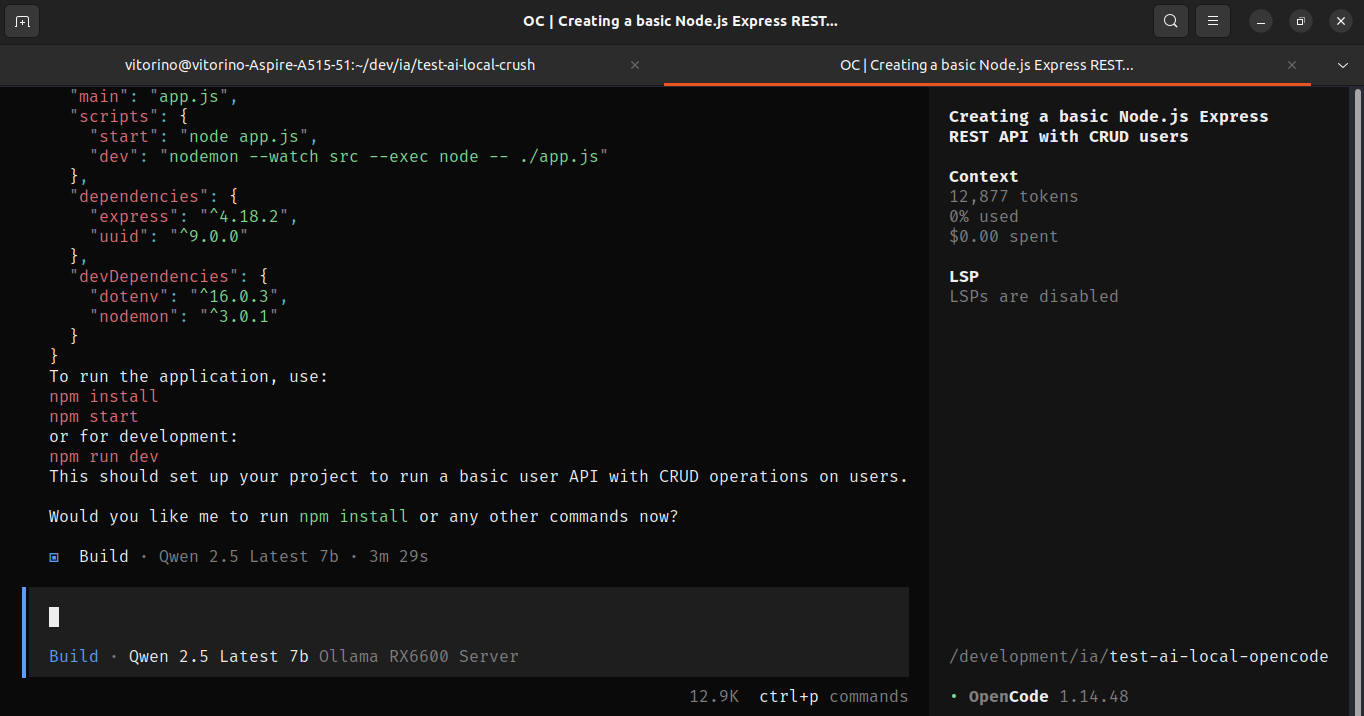
With the same local models, Opencode managed to complete the task. The most interesting detail in OpenCode's logs is the dual prompt: the first request (prompt_tokens_est: 746, latency_ms: 1860) is the thread title generator — a separate micro-agent with its own system prompt, focused solely on generating a descriptive line for the conversation. The second is the main code agent (prompt_tokens_est: 2576). This separation of responsibilities is exactly what allows OpenCode to keep the main agent's context leaner.
In the main agent's execution logs, you can see the concurrent tool use pattern working: multiple edit and write calls being made in sequence within a single turn, with the model receiving the accumulated intermediate results in the history.
The model incrementally built the project file by file — app.js, routes/index.js, controllers — but without global coordination. This appears in the logs in two distinct ways. The first is state loss: "Offset 14 is out of range for this file (8 lines)" — the model tried to edit a position that no longer existed in the file, because the file had changed in previous turns.
OpenCode doesn't instruct explicit reasoning in the payload — it doesn't send thinking: true nor force CoT in the prompt. Qwen2.5 works with it because the prompt is compact enough for the model to execute the instructions without needing a long chain of thought before each action.
Crush
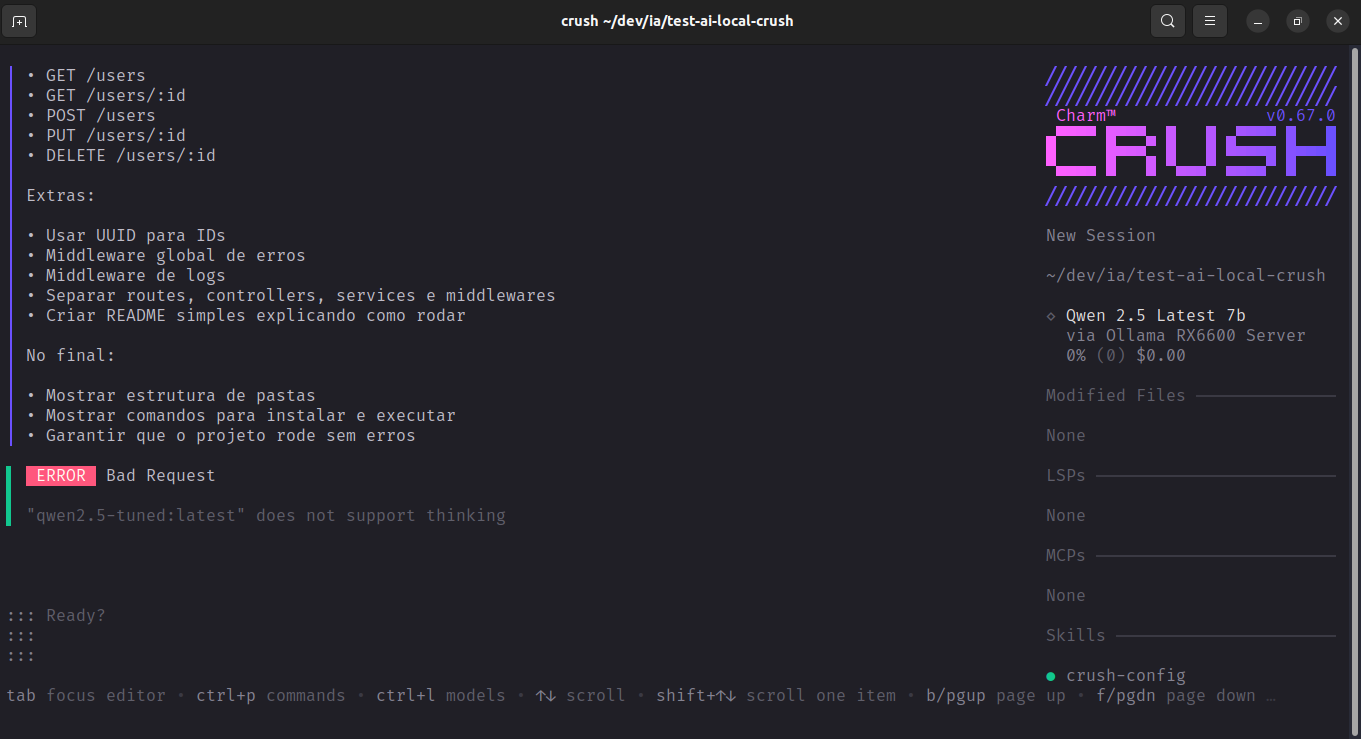
The first problem was compatibility: Crush sent "think": true in the payload to Ollama, which returned 400 Bad Request with {"error": "\"qwen2.5-tuned:latest\" does not support thinking"}. In the crush-qwen2_5.log logs, the error is immediate — response_status: 400, latency_ms: 31 — the agent doesn't even get to execute. I tried with 14B models that had declared thinking support in the Ollama hub, but local inference time was unfeasible to continue the session. So I didn't proceed.
Interestingly, Crush's system prompt in the logs is complete even in the failed request. You can read the entire agent philosophy: BE AUTONOMOUS, Don't ask questions, Keep going until query is completely resolved. The internal workflow is explicit: search codebase → read files → identify changes → edit → run tests → fix failures → continue until done. Crush doesn't ask, doesn't plan out loud, doesn't describe what it will do — it acts.
This appears in the failure logs themselves: Crush made two requests with identical payload before giving up — automatic retry, without intervention. The problem is that the error was at the API level (thinking not supported by the model), not logic. The agent applied the behavior its own system prompt instructs, but without being able to distinguish an unrecoverable error from a recoverable one.
The system prompt size already at prompt_tokens_est: 5477 before any tool call shows the cost of the approach. Crush loads an entire runtime of operational rules, editing edge case coverage, retry strategies, security policies — all embedded in the context of each request. For a model capable of following these instructions, this potentially generates very coherent execution. For a local 8B without thinking, it's too much context for too little available reasoning.
Claude Code
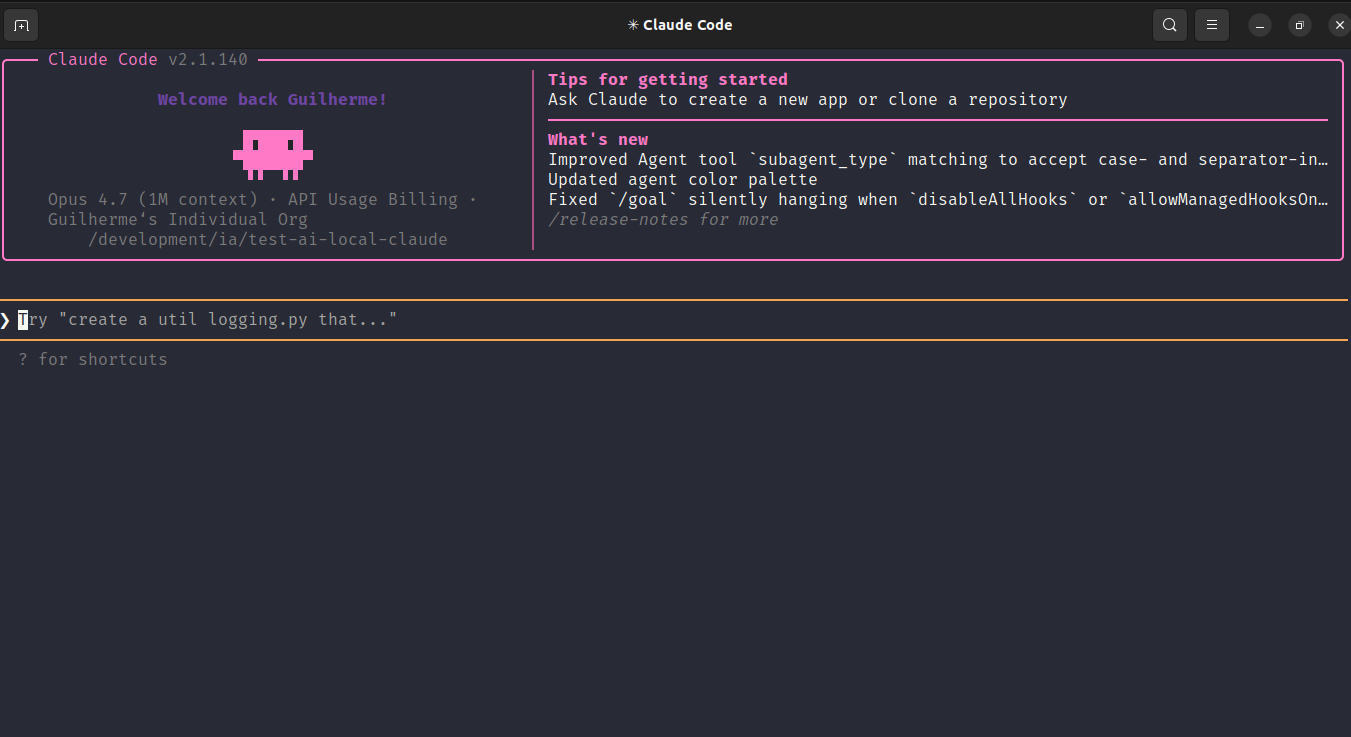
Claude Code also failed with Qwen2.5 via LiteLLM for the same reason as Crush: it tried to send "think": true in the payload and Ollama returned {"error": "\"qwen2.5-tuned:latest\" does not support thinking"}. In the claude-litellm-qwen2_5.log logs, the error appears twice in a row — LiteLLM tried with agentic_api_call_with_fallbacks, detected the error, and tried again before giving up. Even with retry, without thinking support in the model, there was no way to continue.
What the logs reveal even without successful execution is the magnitude of what Claude Code expected from the model. The system prompt is dozens of pages: subagent definitions (claude, claude-code-guide, Explore, Plan, general-purpose, statusline-setup), complete JSON schemas for tools like Agent and AskUserQuestion, behavior policies, extensive usage examples. The num_predict: 32000 in the payload indicates that Claude Code planned to generate up to 32k output tokens — it wasn't asking for a response, it was starting a long execution.
There's a second silent failure point in the logs, independent of thinking:
"functions_unsupported_model": [{ "type": "function", ... }]LiteLLM detected that Ollama/Qwen doesn't support native function calling and moved the tool definitions to this field — the tools would be passed as text in the prompt, not as an executable schema.
In other words, even if thinking worked, Claude Code would be operating without real tool calling. It's production infrastructure wrapping a local model that can barely follow a two-page system prompt.
It's not because Crush and Claude Code didn't run with local models that they are worse. Quite the opposite — they demanded so much from the model that Qwen2.5 simply wasn't capable of meeting it. The sophistication of the orchestration presupposes a model with advanced reasoning capability. The compatibility error with thinking isn't a configuration bug — it's the agent revealing its real dependency on the underlying model.
What a minimal agent actually does
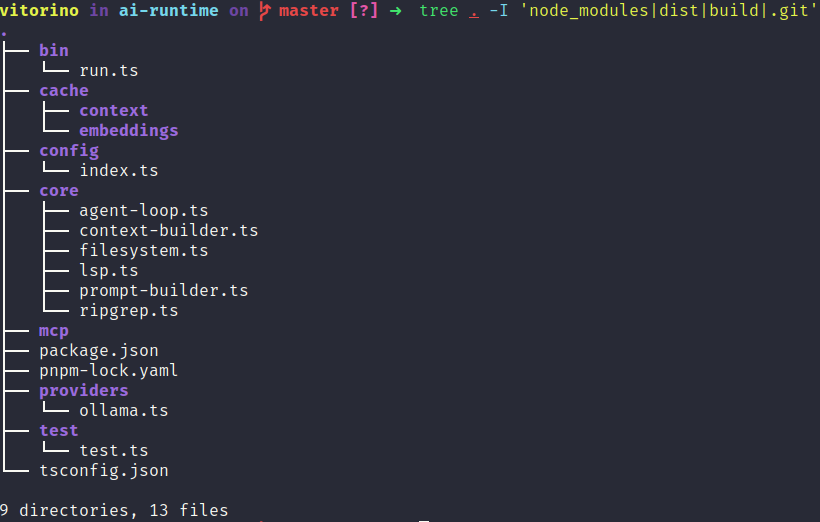
To understand the cycle underneath, I put together a very straightforward ai-runtime: it extracts a keyword from the input, runs ripgrep in the project to pull relevant files, injects this context into a fixed prompt, and sends it to the LLM. No loop, no tools, no memory — just the core flow working. It's not an agent, but it was enough to understand where each part influences the result and why real agents need so much around it.
What the agent logs show is exactly the expansion of this minimal flow: Aider adds rigid output protocols to guarantee applicable patches; OpenCode adds concurrent tool calls and token compression; Crush adds retry loops and continuous execution; Claude Code adds multi-agent orchestration and middleware infrastructure. Each layer solves a real problem that appears when you try to use the basic cycle in real projects.
Using paid LLMs daily
In daily use, I constantly use agents with paid LLMs — including this blog was created with them.
It's possible to test other models via OpenRouter. The choice of which model to use — and whether via token or subscription — is up to each person. I won't suggest a specific model because this changes quickly and depends heavily on the use case. I also tested integrated IDEs like Cursor, which add a UX layer over the same agent cycle I analyzed here.
What I learned in this process: regardless of the tool and model, the result depends directly on the user. The better described and designed the solution, the better the model can generate coherent code. Bad code will appear even with better models if the request is vague or poorly structured.
Review is the programmer's responsibility. Following good architecture, declaring files with rich context, going beyond AGENTS.md — all of this impacts the final output. The most important layer isn't the model — it's the context you build around it.
I organize the project context in a .ai/ folder with .md files separated by purpose: general context, architecture decisions, recurring prompts, rules, and workflows. This deserves a separate post — but it's what makes the difference between an agent that gets it right and one that consistently gets it wrong.
.ai
├── context
│   ├── architecture.md
│   ├── conventions.md
│   ├── data-flow.md
│   ├── design-system.md
│   └── stack.md
├── decisions
│   ├── components.md
│   ├── data-fetching.md
│   ├── state.md
│   └── validation.md
├── prompts
│   ├── component.md
│   ├── feature.md
│   ├── refactor-engine.md
│   ├── refactor.md
│   ├── review.md
│   └── test.md
├── README.md
├── rules
│   ├── anti-patterns.md
│   ├── code-style.md
│   ├── hook-rules.md
│   ├── RULES.md
│   └── strict.md
└── workflows
    ├── bug-fix.md
    ├── component.md
    ├── feature.md
    ├── i18n.md
    └── testing.md
This blog is on my VPS and was a practical example of this. I instructed the agent with paid LLMs to implement internationalization, secure markdown rendering, reading time, table of contents, CLI generator, SEO — among other things. It doesn't get everything perfect on the first run, but with well-structured context, the result converges faster. This process, along with the VPS setup and deployment, will be for another post.